
How do you keep every company video on-brand at scale?
You keep every video on-brand at scale by moving brand rules out of the PDF and into the tool people use to make video. Brand Templates set your logo, fonts, colours, intro and outro once, and every video from every team then applies them automatically. Nobody has to remember the style guide, and nobody has to fix a video afterwards.
This matters because video is no longer made by one central team. HR records onboarding clips, regional managers film updates, marketing cuts webinars into shorts, and AI creates first drafts in minutes. Below is how enterprise Comms, HR and Marketing teams keep all of that recognisably theirs.
Why does brand consistency matter so much for video?
Consistency is how people recognise you before they read a word. In an analysis of 2,015 video ads, brand assets appeared 52% more often in high performing ads than in low performing ones, and consistent colours and fonts made an ad about 1.4 times more likely to perform well (Ipsos, 2020). Simply mentioning the brand name more often made almost no difference.
The business effect shows up in revenue too. Companies that present their brand consistently report up to 33% higher revenue, and 81% of organisations say they deal with off-brand content (Lucidpress, 2019). "Companies will continue to struggle with off-brand content as demand for content continues to grow," said Owen Fuller, then General Manager of Lucidpress (Lucidpress, 2019).
Internally the stakes are trust. Employees who get a clean, familiar looking message from HR know it is official. A video with a stretched logo and a random font looks like it came from outside, and in a world of deepfakes and phishing that doubt costs attention.
Why is on-brand video harder than ever?
Because more people make more video, faster. 91% of businesses now use video as a marketing tool, 59% produce it in-house, and 63% of video marketers have used AI video tools, up from 51% a year earlier (Wyzowl, 2026). In Germany, 51% of companies say generative AI already handles a significant part of their creative marketing work (Bitkom, 2026).
At the same time, the teams responsible for the brand are small. 69% of internal communications teams have fewer than six people, and one in three has no dedicated budget (Gallagher Employee Communications Report, 2026). Those teams cannot review every video that every site produces.
Templates are where this breaks down today. More than 80% of senior marketing leaders say they could manage templates more efficiently, and 41% still handle templating manually in-house (Frontify, 2025). A brand PDF on the intranet does not stop anyone from exporting a video in the wrong colours.
What are Brand Templates?
Brand Templates are your brand guidelines turned into a reusable design kit for video. They hold your logo, fonts, colours, intro and outro patterns, so every video starts and ends the way your brand does. Instead of checking videos against a style guide, the rules are applied while the video is made.
At cofenster, Brand Templates are set up for you during onboarding. Our team translates your corporate design into templates, tests them with your first videos and adjusts them until they match. Brand Templates are included in every enterprise plan, so there is no extra design project and no agency briefing.
The result is a single source of truth that works for people who never read the style guide. A works council member recording a message, a plant manager in Poland and a recruiter in Berlin all produce videos that look like they came from the same company, because they did.
How do AI Video Agents apply Brand Templates automatically?
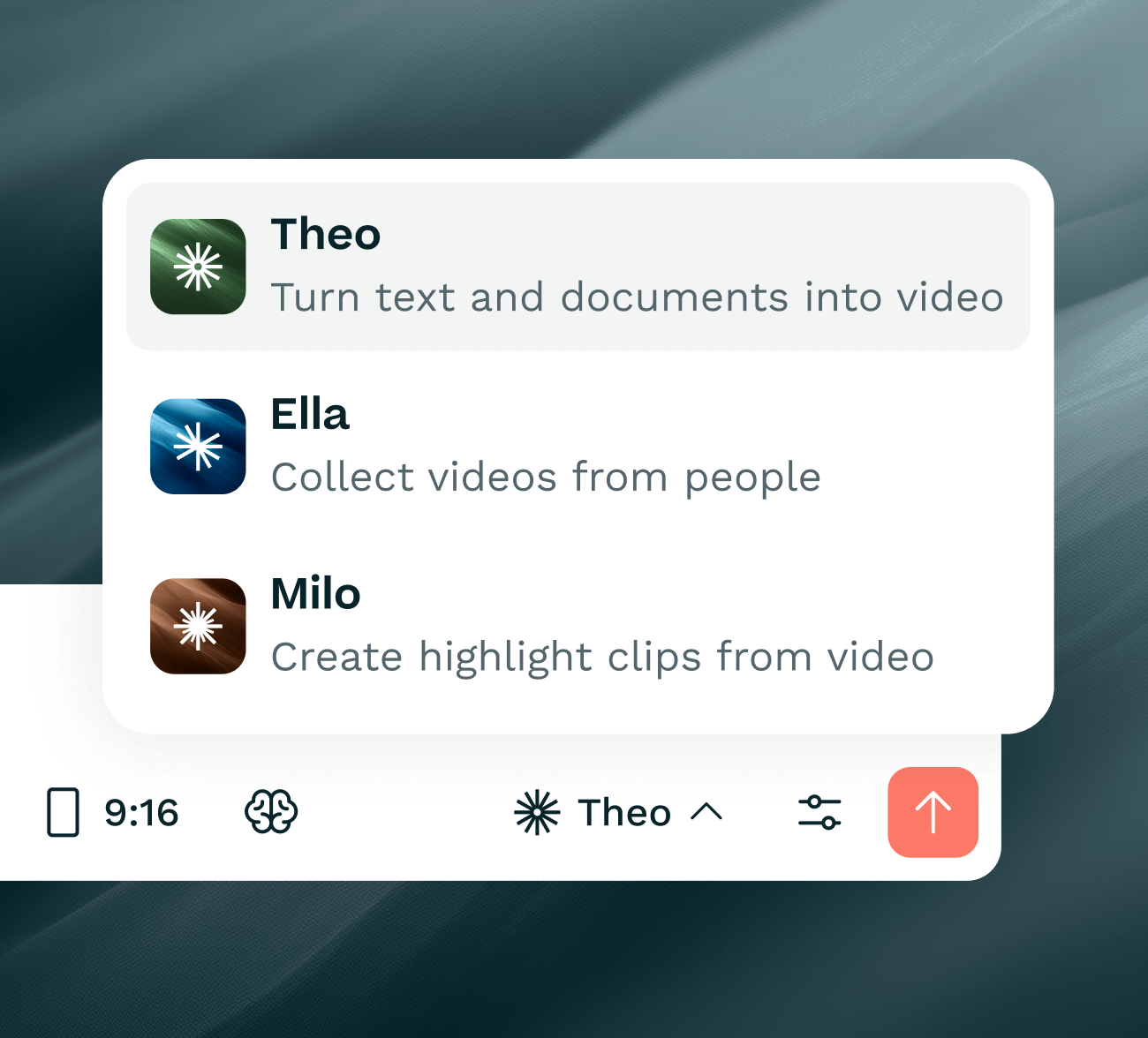
Each of cofenster's three AI Video Agents takes over one video job and applies the same Brand Templates on the way:
Milo turns long recordings such as town halls, webinars and interviews into short clips. Every clip gets your fonts, colours and logo, plus animated subtitles in your style, ready for LinkedIn, Teams and the intranet. Read how this works for turning one town hall into weeks of content.
Ella guides employees through recording themselves on phone or laptop. Ella builds the storyboard and places each recording into your branded intro, outro and layout, so testimonials from ten sites look like one campaign. Our guide to employee testimonial videos shows the full process.
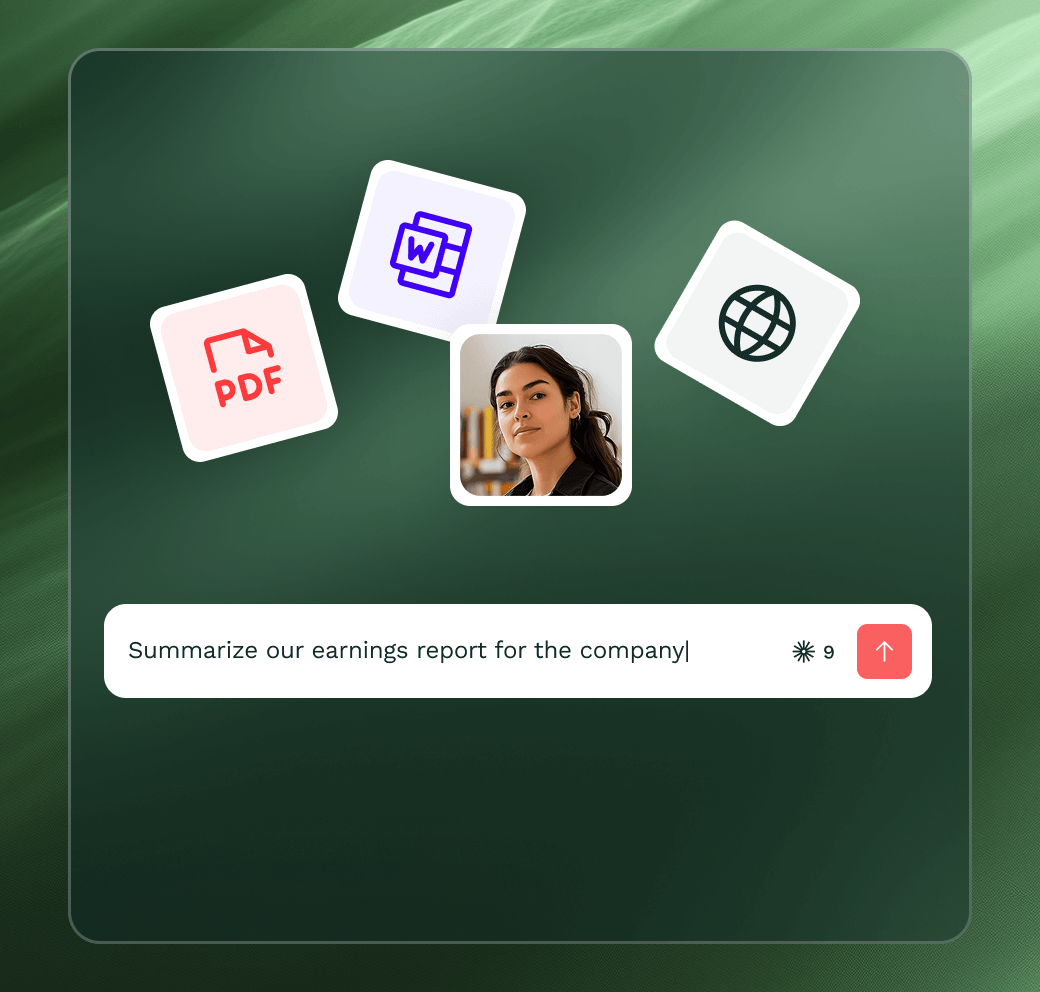
Theo turns text such as a policy or a brief into a finished video with script, visuals, music and AI voiceover. Theo applies your fonts, colours and logo to every scene, in more than 30 languages. See how teams use it for policy explainer videos.
Because all three draw on the same templates, brand consistency no longer depends on who made the video or which agent they used. You can see the whole setup on the cofenster platform page.
How do you roll out on-brand video across a large organisation?
Start with governance, not with tools. Teams with formal AI governance are ten times more likely to reach advanced AI maturity, and AI readiness rises from 36% to 61% once structure is in place (Gallagher Employee Communications Report, 2026). Brand Templates are a big part of that structure for video.
A simple rollout covers most enterprises:
- Collect your current corporate design files, logo versions and approved fonts.
- Agree which video types you need first, such as leadership updates, onboarding and employer branding.
- Set up Brand Templates once and test them on three real videos.
- Give teams access by use case and name one brand contact per region.
- Review a sample of videos each month instead of approving every single one.
This shifts the brand team from gatekeeper to enabler. They define the look once, and everyone else gets on with communicating. Security matters too: cofenster is ISO 27001:2022 certified, GDPR compliant and hosts data in Germany, so brand assets and recordings stay protected.
Key takeaways
Consistency drives recognition. Brand assets appear 52% more often in high performing video ads than in weak ones.
Volume breaks manual control. With 63% of video marketers using AI video tools, no small team can check every video by hand.
Rules belong in the tool. Brand Templates apply logo, fonts, colours, intro and outro while the video is made.
One kit for every agent. Milo, Ella and Theo all use the same Brand Templates, so every video looks like your company.
Govern once, enable everyone. Set templates up once, test them on real videos and review samples instead of every output.
See your brand in your next video
cofenster works with more than 300 corporate teams, including Beiersdorf, Continental and Hugo Boss. Bring your corporate design to a live demo, and we will show you how Brand Templates make every video from Milo, Ella and Theo look like it came from your brand team.
Frequently asked questions
Do employees need design skills to make on-brand videos?
No. Brand Templates apply the logo, fonts, colours, intro and outro automatically, so employees only focus on what they want to say. They choose a template, record or upload their content, and the AI Video Agents handle the design. The brand team sets the rules once instead of training every video creator.
What happens when our corporate design changes?
The Brand Templates are updated once and every new video uses the new design from then on. There is no need to brief agencies again or send out a new style guide to every team. For a rebrand, plan a short test with a few real videos so fonts, colours and animations look right before all teams switch.